Key takeaways
Fill, sign, and submit PH Annex B-2 from any browser — or have AI generate a custom version in seconds. No installs, no printing, no back-and-forth.
- The INCOME PAYEE’S SWORN DECLARATION OF GROSS RECEIPTS/SALES notifies payors of an individual's tax status and chosen income tax rate.
- This form is for professionals or self-employed individuals with gross annual receipts not exceeding P3,000,000 from a single payor.
- Users must choose between the 8% flat income tax rate or the graduated income tax rates for the taxable year.
- The document requires signatures from the income payee and the withholding agent, and it must be sworn before a notary public.
- Existing taxpayers must submit the declaration by January 15, while new businesses must complete it upon registration with the bureau.
- Individuals must update their registration and submit a new declaration if their gross receipts exceed the P3,000,000 threshold during the year.
What is PH Annex B-2?
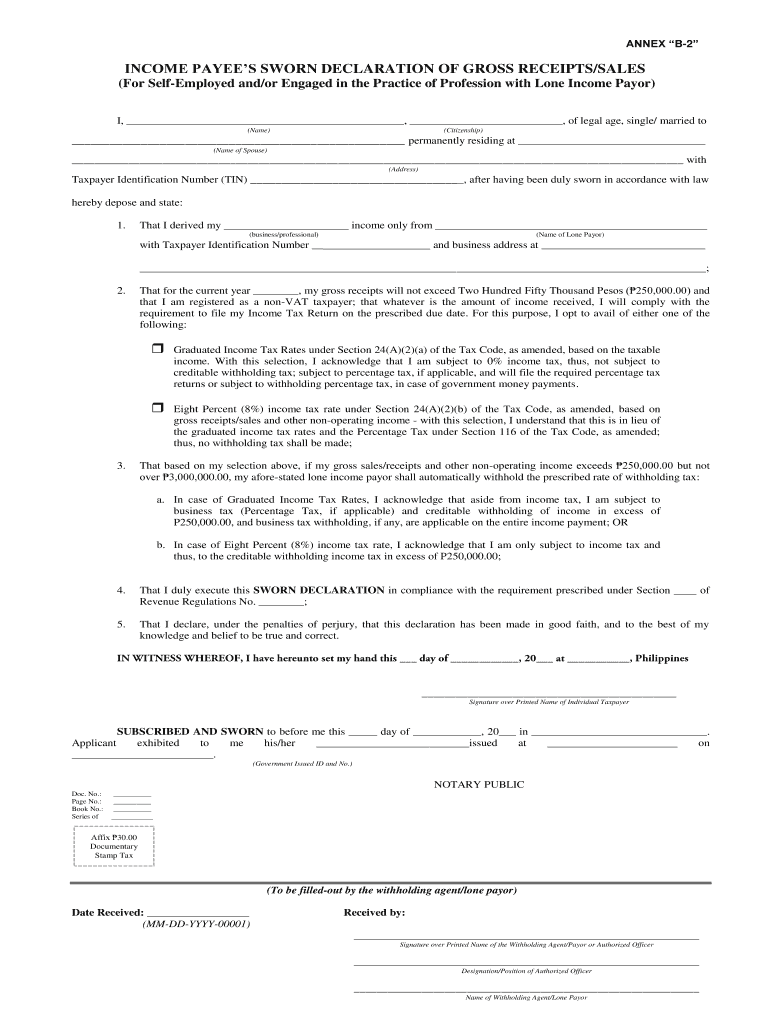
Income Payee’s Sworn Declaration of Gross Receipts/Sales is a legal document used by self-employed individuals and professionals in the Philippines to notify their payors of their tax status for the current year. This income payee sworn declaration serves as a formal statement that the taxpayer's total gross sales or receipts, including non-operating income, are expected to remain at or below the P3,000,000.00 threshold. By submitting this form, the payee provides the necessary information for the withholding agent to apply the correct tax treatment to their income payments.
This document allows eligible individuals to signify their intention to be taxed at either a flat eight percent rate or according to graduated income tax rates. It is specifically designed for those receiving income from a single payor who wish to avail of these tax options under the National Internal Revenue Code. Because it is a sworn statement, the form requires the signature of the individual taxpayer and the withholding agent, and it must be officially sworn before a Notary Public to be considered valid.
Bureau of Internal Revenue (BIR), Philippines
Who needs the PH Annex B-2 — and who doesn't
Not everyone files PH Annex B-2. The checklist below tells you whether it applies to your situation — and points you to the right alternative if it doesn't.
You need this PH Annex B-2 if…
- you are a self-employed individual or professional receiving income from a single payor.
- your gross sales, receipts, and other non-operating income will not exceed P3,000,000.00 during the taxable year.
- you intend to avail of the eight percent income tax rate option or be taxed under the graduated income tax rates.
You do not need this PH Annex B-2 if…
- your gross sales, receipts, and other non-operating income exceed P3,000,000.00 during the taxable year.
- you are a non-individual taxpayer, such as a corporation or a partnership.
Why you need the PH Annex B-2
Why people fill out PH Annex B-2, and what tends to go wrong when they don't.
-
Select Tax Rates Self-employed individuals use this declaration to select between the eight percent flat tax rate or graduated rates, provided their annual gross receipts do not exceed the three million peso threshold.
-
Direct Withholding Actions This document informs your payor of your tax preferences. It dictates how the withholding agent should apply withholding tax on your income payments throughout the taxable year.
-
Meet Submission Deadlines Existing taxpayers must submit this declaration by January 15 of the current year. New businesses must file upon registration to ensure their tax status is correctly recorded by the payor.
-
Secure Digital Management You can fill, sign, and share this declaration using pdfFiller. The platform provides secure encrypted storage for managing documents that require signatures from taxpayers, payors, and Notaries Public.
What each section of PH Annex B-2 means
Every section explained — what it's asking, the records you'll need on hand, and the mistakes that most often cause a rejection or follow-up request.
| Taxpayer Identifying Information | Provide the full name and Taxpayer Identification Number of the self-employed individual or professional who is declaring their income status for the current year. |
|---|---|
| Gross Receipts Declaration | Confirm that the total gross sales or receipts and other non-operating income will not exceed the P3,000,000.00 limit during the current taxable year. |
| Income Tax Rate Option | Indicate the preferred taxation method by choosing between the eight percent flat income tax rate or the standard graduated income tax rates for the year. |
| Notary Public Certification | Include the signature and administrative details of the Notary Public, as this declaration must be sworn before them to be considered valid and official. |
| Withholding Agent Acknowledgment | The payor or withholding agent provides their printed name and signature to acknowledge receipt of the taxpayer's sworn declaration and their chosen tax rate. |
How to fill out PH Annex B-2 using pdfFiller
A walkthrough from the first field to the signature line. With your records in front of you, most people finish in under ten minutes.
-
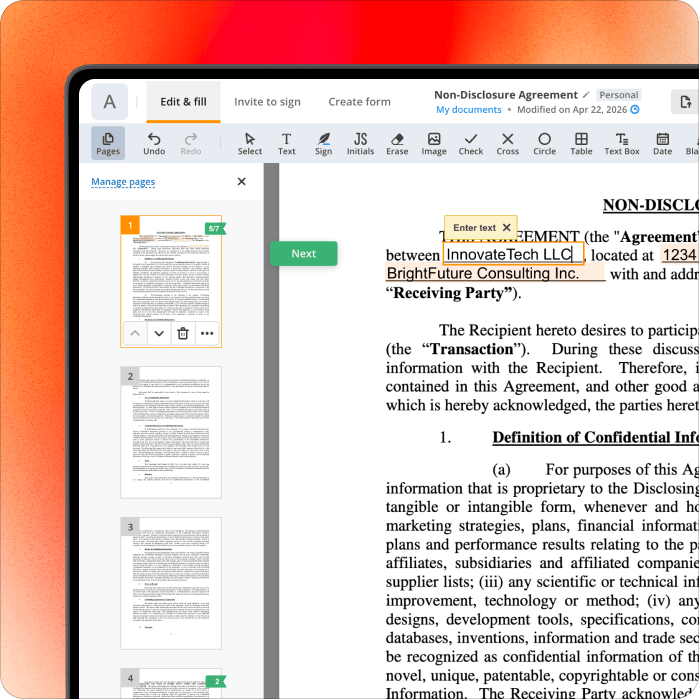
Open the Editor Click Get Form to open Income Payee’s Sworn Declaration of Gross Receipts/Sales in the pdfFiller editor to begin modifying the document directly in your web browser.
-
Fill Out Fields Navigate through the form and click on the available text fields to enter your specific taxpayer details and professional information as required by the issuing authority.
-
Select Tax Option Use the checkmark tool to indicate your preferred tax rate option, ensuring your selection on the gross receipts sales form reflects your intended tax status for the year.
-
Review Document Thoroughly review your income payee sworn declaration for any errors, utilizing the editor's annotation tools if you need to add stamps or additional text for clarity.
-
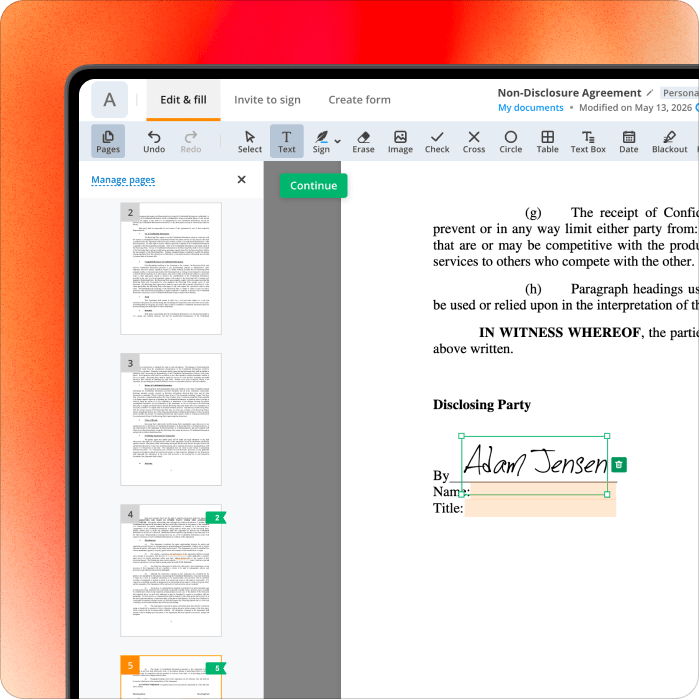
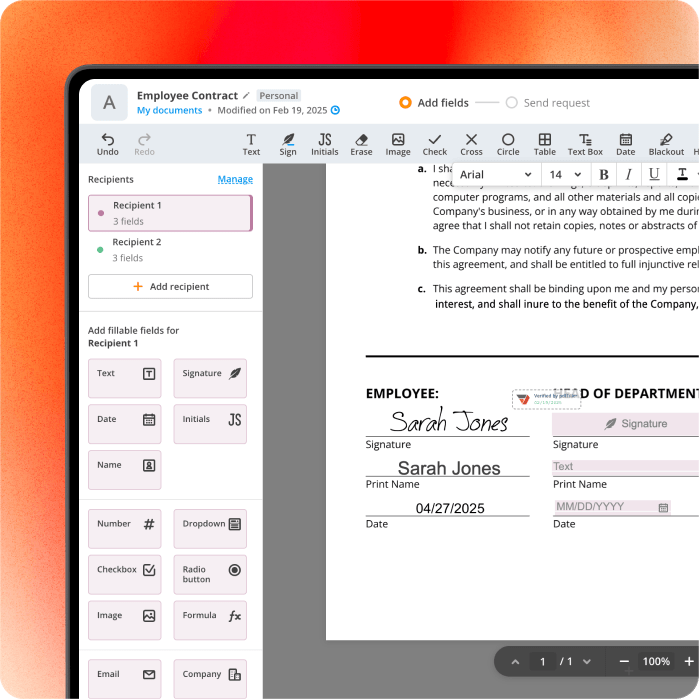
Sign Digitally Select the Sign tool to add a legally binding e-signature to the document, allowing you to complete the signing requirements for the income payee without printing.
-
Notarize Online Access the online notarization feature within the platform to have your signature verified by a digital notary public, satisfying the requirement for the form to be sworn.
-
Secure and Share Save the completed document to pdfFiller’s secure encrypted storage, which is SOC 2 and GDPR compliant, then share it with your withholding agent via email or link.
Deadlines, key dates & penalties for PH Annex B-2
When PH Annex B-2 is due, what late filing actually costs, and how to request more time if you need it.
| Existing Self-Employed Individuals and Professionals | The declaration must be submitted on or before January 15 of the current taxable year. |
|---|---|
| New Businesses and Taxpayers | The submission must be completed upon initial registration with the Bureau of Internal Revenue (BIR). |
| Income Threshold Updates | If an individual's gross sales or receipts exceed P3,000,000.00 during the year after initially choosing the 8% income tax rate, they must submit a new declaration before the payor makes the first quarter's remittance of withholding tax. |
Recent changes to PH Annex B-2
The INCOME PAYEE’S SWORN DECLARATION OF GROSS RECEIPTS/SALES (Income Payee’s Sworn Declaration of Gross Receipts/Sales) currently in use was issued on June 19, 2020, as Annex A of Revenue Memorandum Circular No. 60-2020. This version was established by the Bureau of Internal Revenue to implement provisions of the National Internal Revenue Code as amended by the TRAIN Law.
This revision mandates that the document be signed by both the individual taxpayer and the withholding agent or payor. Furthermore, the declaration requires formal notarization, meaning it must be sworn before and signed by a Notary Public to be considered valid for tax purposes.
Pointer: Ensure you are using the 2020 revision and that all required signatures and notarizations are present before submission.
Key terms used in PH Annex B-2
A one-sentence glossary of the PH Annex B-2 terms and concepts you'll see throughout this guide.
- Income Payee
- The self-employed individual or professional receiving income from a single payor who completes and signs this declaration.
- Withholding Agent
- The payor of income responsible for applying withholding tax based on the payee's tax status and preferred tax option.
- Gross Receipts/Sales
- The total volume of business or professional income that must not exceed P3,000,000.00 for the 8% tax option.
- 8% Income Tax Rate
- A flat tax rate option for individuals whose annual gross receipts and other non-operating income are P3,000,000.00 or less.
- Graduated Income Tax Rates
- A tax calculation option available to the income payee as an alternative to the flat eight percent tax rate.
Frequently asked questions about PH Annex B-2
Quick answers to the questions we hear most often about completing the PH Annex B-2.
This document allows self-employed individuals to declare their expected annual gross receipts and select their preferred income tax rate for the year. By filing this declaration, you inform your withholding agent whether you intend to be taxed at the flat eight percent rate or via graduated income tax rates.
Self-employed individuals and professionals who receive income from a single payor and expect their gross receipts to remain under P3,000,000.00 must use this form. It is specifically for those wishing to avail of the 8% income tax rate or those subject to graduated tax rates within the threshold.
Existing self-employed individuals must submit this declaration to their withholding agent on or before January 15 of the current taxable year. New taxpayers or business owners should submit the form upon their initial registration with the Bureau of Internal Revenue to ensure correct tax withholding from the start.
Yes, this form must be sworn before a Notary Public and includes specific sections for the notary's signature and official details. The document also requires the signature of the individual taxpayer and the withholding agent. You can use pdfFiller to fill out the form and add your legally binding e-signature.
If your income exceeds the P3,000,000.00 limit, you are no longer eligible for the 8% tax option and must update your registration. You are required to submit a new declaration before the payor’s first quarter remittance of withholding tax to reflect your transition to the appropriate tax status and rates.
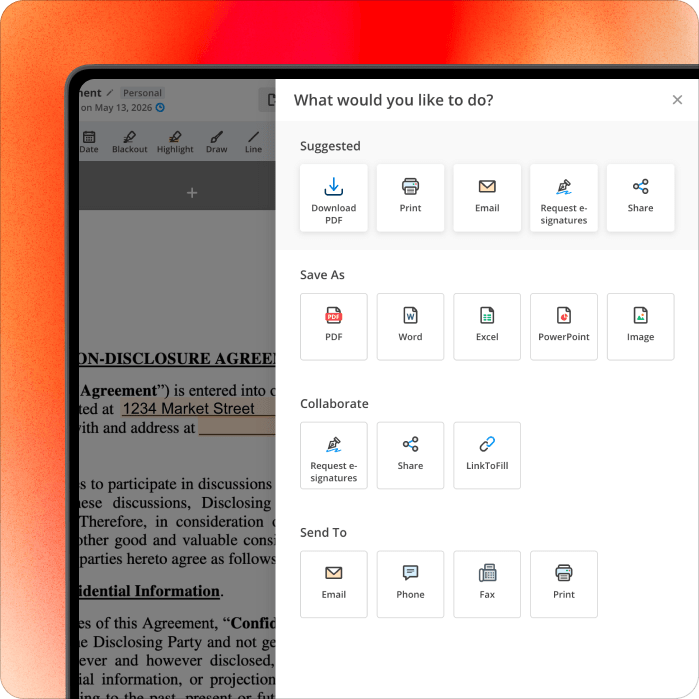
pdfFiller is an online platform that allows you to fill, edit, sign, and share this declaration directly from your web browser. You can securely store the completed PDF in encrypted storage, send it to your withholding agent via email or link, or download it for your personal tax records.